AI tutor and lesson builder
Create lessons from topics, notes, files, links, or syllabus targets, then teach with explanations, examples, checks, and retries.
A curriculum-aware platform for learners, families, schools, and education programs. Study with a voice-first AI tutor, practise real past questions, keep lessons available offline, and connect school signals into NEIP-ready intelligence.
Which SS2 students need a WAEC rescue plan before next term?
Which SS2 students need a WAEC rescue plan before next term?
Create lessons from topics, notes, files, links, or syllabus targets, then teach with explanations, examples, checks, and retries.
Practise WAEC, NECO, JAMB, NCEE, and BECE materials with AI answer review, screen-lens feedback, and mock-exam paths.
Connect attendance, assessment scores, teacher notes, parent prompts, practice data, and intervention plans into one school view.
Roll up aggregate school signals for policy and oversight while keeping individual learner and family records private.
Teacher Studio, guardian portals, student assignments, family updates, and consent flows share the same learner context.
Save lessons, quiz attempts, and school records locally, then sync changes when the network returns.
MirrorMingo is designed as a real learning workspace. A learner opens a topic, studies with context, practises the right exam format, and returns later without losing progress.
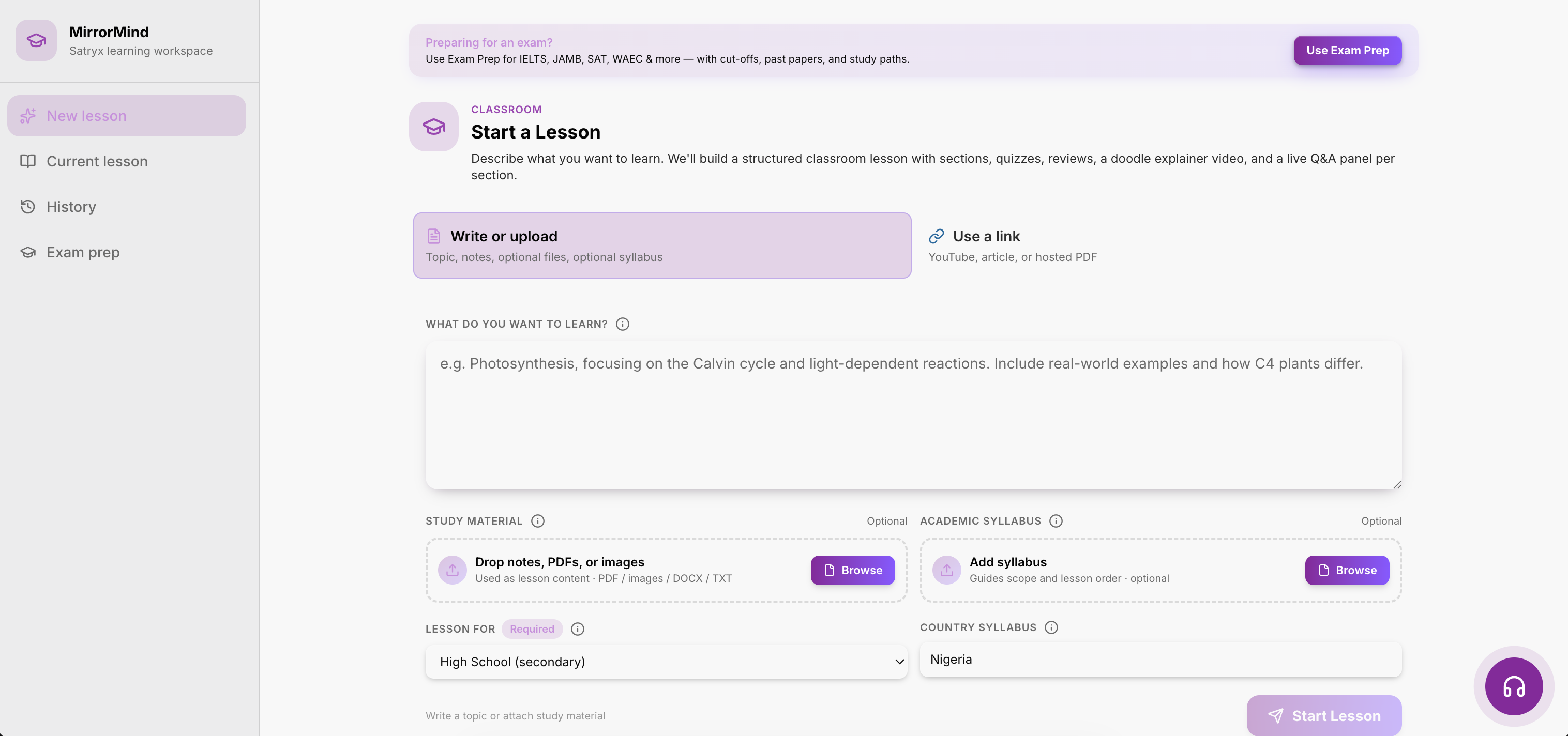
Start with class, subject, topic, note, file, link, or exam target. MirrorMingo turns it into structured lesson content and keeps the learner context attached.
The learner gets visuals, examples, tutor prompts, and answer feedback that make each topic easier to follow.
Quiz attempts, past-question misses, attendance patterns, and school scores become the next useful revision or intervention.
Topic, notes, links, files, and class level in one flow.
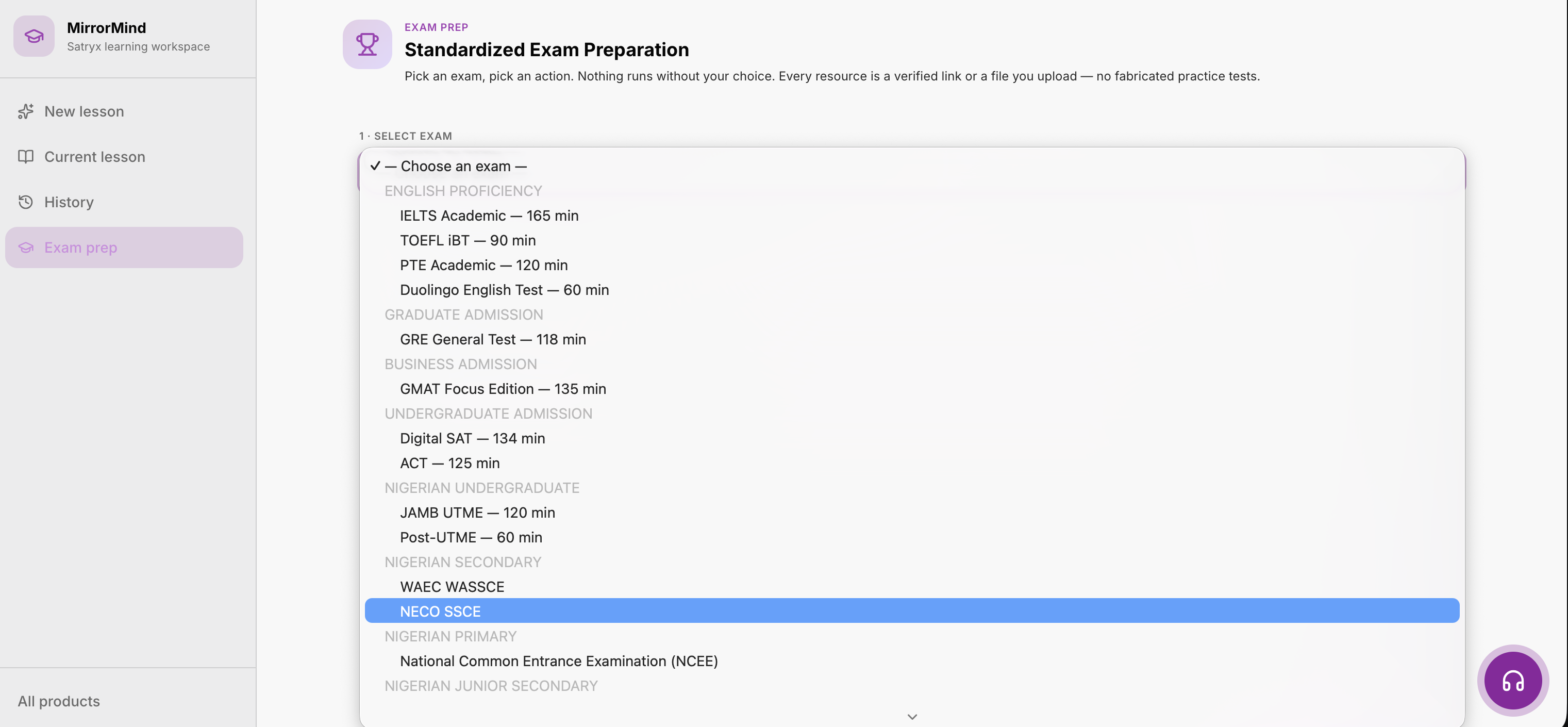
Choose revision goals and practice for the right learner.
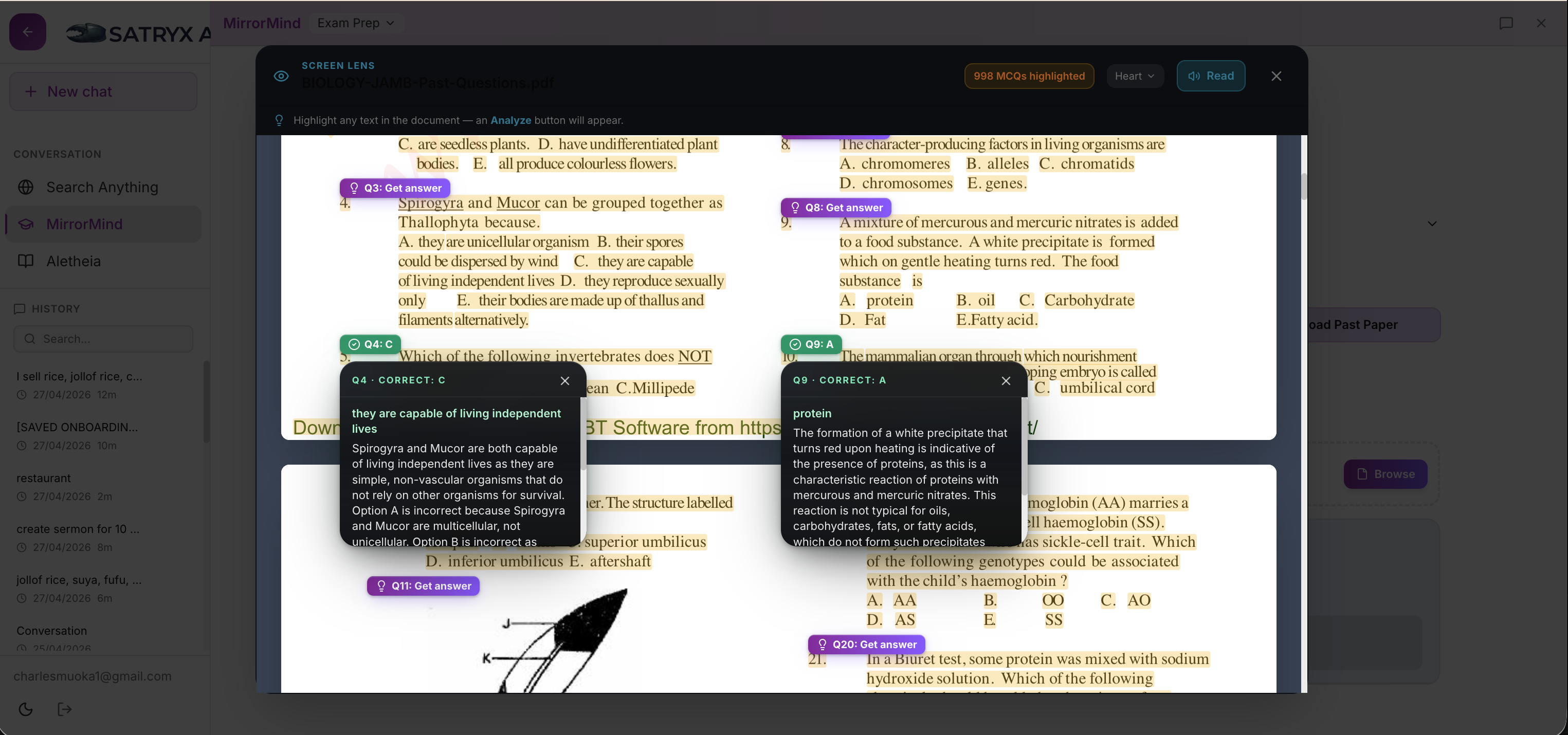
Every question can become a clearer explanation.
MirrorMingo connects generated lessons to the exams learners actually prepare for. Past-question misses can become explanations, retry prompts, and school-level readiness signals instead of isolated practice scores.

Lessons, quizzes, notes, and attempts stay available on the device.
Learners keep reading and answering without internet.
When internet returns, saved progress updates across the account.
The device keeps learning data available for speed and offline study. When the learner reconnects, progress syncs to the cloud for schools, accounts, and other devices.
MirrorMingo for Schools connects classes, rosters, attendance, report cards, parent communication, exam projection, and AI practice data. The same intelligence surface can support principals, guardians, intervention teams, and NEIP-style aggregate reporting.
Attendance, assessments, teacher observations, topic practice, fees, and parent engagement become one principal-ready view.
At-risk learners can be grouped into plans with baselines, targets, evidence, and family follow-up.
School signals map to NEIP fields without exposing one family's private learner record.
The desktop app keeps the same learning workflow as the web app, stores lessons locally for offline study, and syncs progress to your account when internet access returns. Subscription access is checked through your online account.
Downloads open directly on your device.
MirrorMingo supports class subjects, exam preparation, uploaded notes, and generated lesson packs. Each topic can produce explanation, examples, quiz checks, and revision.
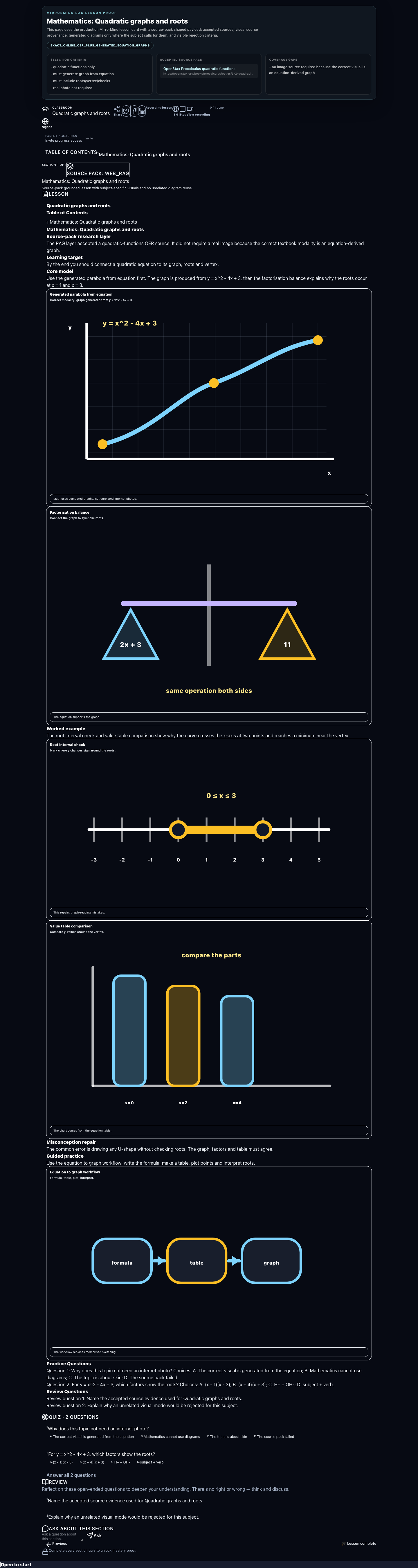
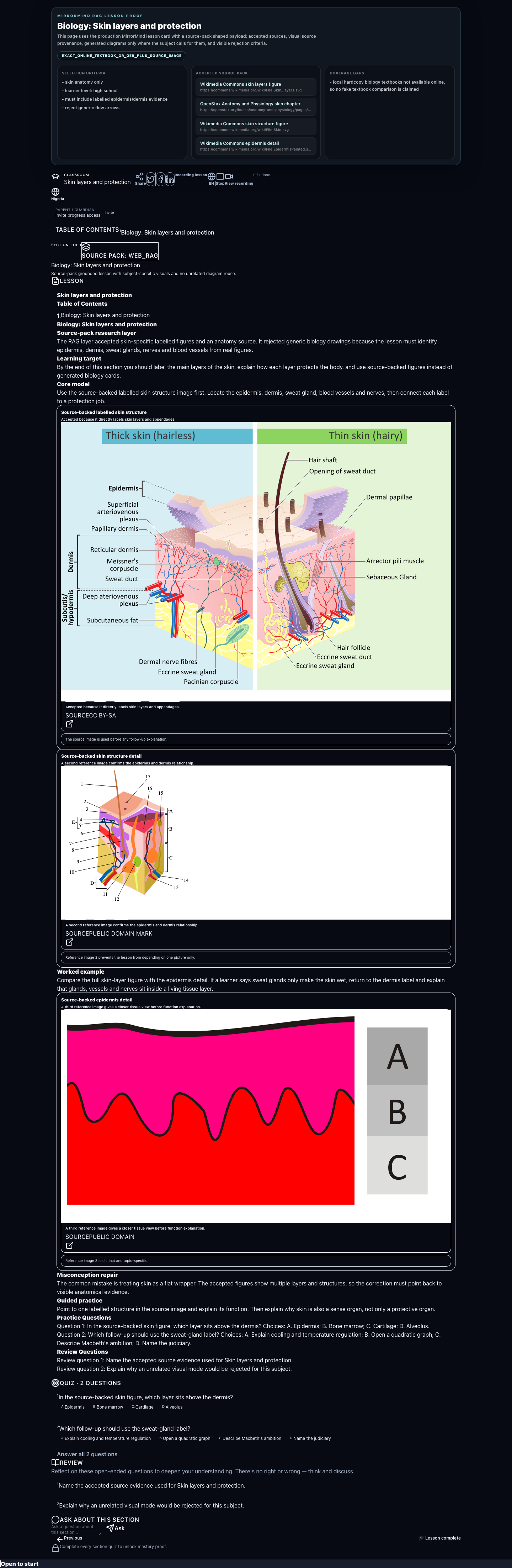
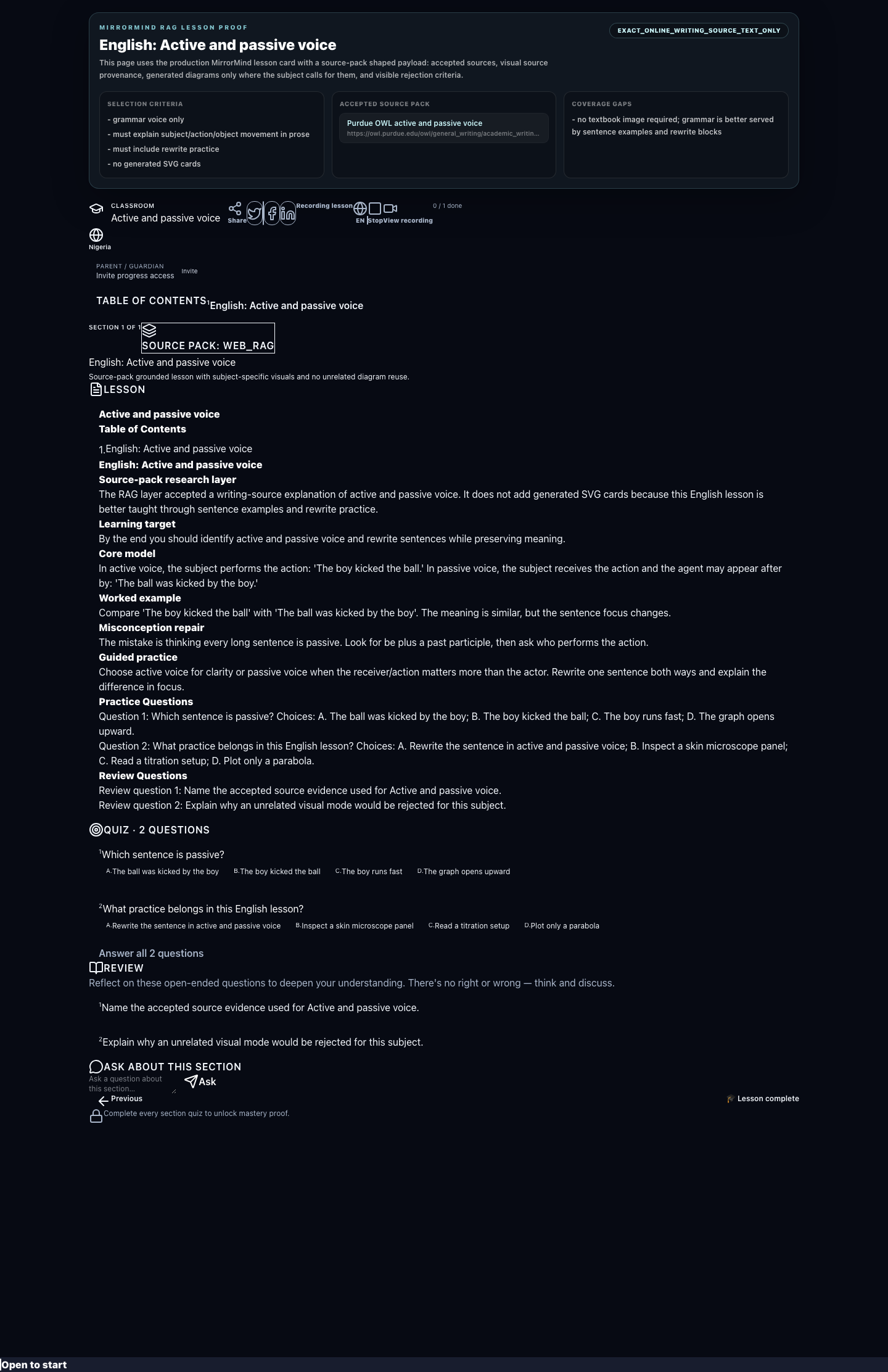
WAEC, NECO, JAMB, NCEE, and BECE practice can feed the same revision path as lessons.
Weak answers create explanations, retries, and next-step prompts instead of passive study.
Attendance, assessments, practice, teacher notes, and parent signals can be read together.
Aggregate school health, readiness, and support signals can map into policy-facing fields.
Families and teachers see the learner context they need without exposing unrelated records.
Lessons, quiz attempts, and school records keep working locally and sync when internet returns.
MirrorMingo combines generated lessons, real past questions, local data access, school intelligence, guardian follow-up, and NEIP-ready aggregate reporting into one product.