NERDC School curriculum
The Nigerian Educational Research and Development Council sets the curriculum foundation for basic and senior secondary subjects.
Visit NERDCFrom primary school to secondary and tertiary study, learn with an AI tutor in English or a familiar Nigerian language. Explore ideas, prepare for exams, compete in Arena and earn MMT as you learn. Connect your subjects to career data, practical skills and entrepreneurship across Nigeria and Africa.

English, Yoruba, Igbo, PCM, and Hausa support.
Rooted in Nigerian education. Built for your next step.
Follow Nigerian curriculum topics through clear explanations, worked examples and practice—then connect what you learn to practical skills and future opportunities. Choose primary, secondary or university learning below.
Sciences · Humanities · Exam preparation
Work through subject lessons, follow step-by-step solutions and prepare for exams. Connect your subject choices to future careers.
Study NERDC subject topics with matching NAPPS scheme content where available. Build understanding for classwork, revision and exam preparation.
Each extra unit of x adds 2 to y. The +1 tells you where the line starts on the y-axis.
Read it. Hear it. Work through it.Connect what you practise at home to the subjects you study in class.
Understand what your child is learning and where they need encouragement.
Connect lesson topics to your teaching and use learner progress to guide support.
The Nigerian Educational Research and Development Council sets the curriculum foundation for basic and senior secondary subjects.
Visit NERDCThe Universal Basic Education Commission supports the implementation of basic education. It provides the education context, rather than a separate set of lesson topics.
Visit UBECThe National Association of Proprietors of Private Schools scheme adds teaching scope where the class, subject and topic match. Other school topics follow the NERDC pathway.
The National Universities Commission provides the undergraduate curriculum framework. Explore available course topics alongside your own university materials.
Visit NUCThese references describe the learning framework. Available topics and scheme matches vary by class, subject and programme.
Your language belongs in your learning
From primary foundations to secondary subjects and tertiary course topics, use English, Yorùbá, Igbo, Hausa or Nigerian Pidgin to understand what you study. Follow lesson explanations and teacher voice in a familiar language while keeping the depth your stage requires.

Try a primary lesson example here. Native-language explanations and teacher voice also support secondary and tertiary learning.
A reason to come back
Arena makes practice social. Top Learners celebrates progress. MMT gives your daily learning effort a visible reward.
Arena competition
Join live class competitions, take your turn and answer questions. Practise solo against Mingo when you want to sharpen up on your own.
Build recall and confidence through a challenge worth returning to.Live class competitions need a connection. Solo practice supports offline play. Competition is organised by eligible school classes.Explore ArenaTop Learners
Explore learner rankings and the learning behind them: completed sections, quiz accuracy and lesson progress. Share achievements worth celebrating.
Set a goal, keep improving and celebrate how far you have come.Basic and secondary learners have separate boards. Rankings reflect learning performance.Meet Top LearnersMMT tokens
Earn MMT through AI tutor teaching, reading and practice. Your activity adds up across the month, giving you another reason to keep learning.
Turn a study habit into visible achievement and monthly reward opportunities.Section points can be earned once per day. MMT resets monthly; educational rewards recognise top monthly earners.Start earning through learningMirrorMingo interactive simulations
Explore current and resistance. Compare fractions. Add waves. Our interactive activities bring relevant maths and science topics into a space where learners can change things and observe the result.
From foundational maths to deeper science concepts, explore simulations alongside your lessons. The demos here open in English; lesson explanations have separate language support.
Learn through discoveryThe teaching behind the technology
Good pedagogy means giving learners the right support, a chance to practise and a way to learn from mistakes. Here is how that looks in MirrorMingo.
Hear the teacher explain the idea, with terms and examples suited to your learning level.
Follow the reasoning one step at a time. Use diagrams and relevant simulations to make the idea concrete.
Answer questions yourself. Put the method to work and find out what you can do without help.
Review answers and explanations, revisit a difficult section and use your progress report to guide the next session.
Past questions, with a purpose
Prepare for the exams ahead with past questions, clear explanations and focused revision. Bring what you learn in class into the questions you practise.
Find your subject and a paper to practise.
Use explanations to work through the reasoning.
Return to the topics that need more attention.
What is three quarters of 20?
One quarter is 20 ÷ 4 = 5.
Three quarters is 3 × 5 = 15.
Learning Graph
Explore a public view of subject proficiency by class and readiness for Nigerian external exams, built from the recorded assessment results of MirrorMingo learners across Nigeria.
Help families, teachers and schools understand where learning is strong and where more learning and support may be needed.
Explore the Learning GraphNo sign-in needed · Public summary figuresExplore subjects within each class to see the share of tracked learners meeting their proficiency goals.
Class → Subject → ProficiencySee readiness percentages and learner counts for the Nigerian exam targets currently tracked on MirrorMingo.
Exam target → Readiness → Learner countPublic figures show totals, not learner names. They describe tracked MirrorMingo learners, not all Nigerian students. Readiness reflects practice goals, not official grades or a guarantee of passing.
A learner can know what to study for an exam and still not know where those subjects lead, what employers need, or how to build a business. MirrorMingo brings career data and practical tools into the learning journey, helping Nigerian and African learners connect school with the market beyond it.
Study class subjects, practise WAEC, NECO, and JAMB questions, and use feedback to see where you need more practice.
Use the Subject Combination Checker to compare your subjects with published course requirements and explore alternative routes.
Explore occupations, the skills and tools they use, training providers, and sources of work across Nigeria, Africa, and beyond.
Explore self-employment, apprenticeships, freelance platforms, and practical training. Find tools to develop skills and investigate how to offer useful services.
Talk through your interests and options with the AI counsellor, then use the career tools to research a route and choose your next step.
My subjects, interests, and progress
Career data, course requirements, and useful skills
Training, work, self-employment, and a next step
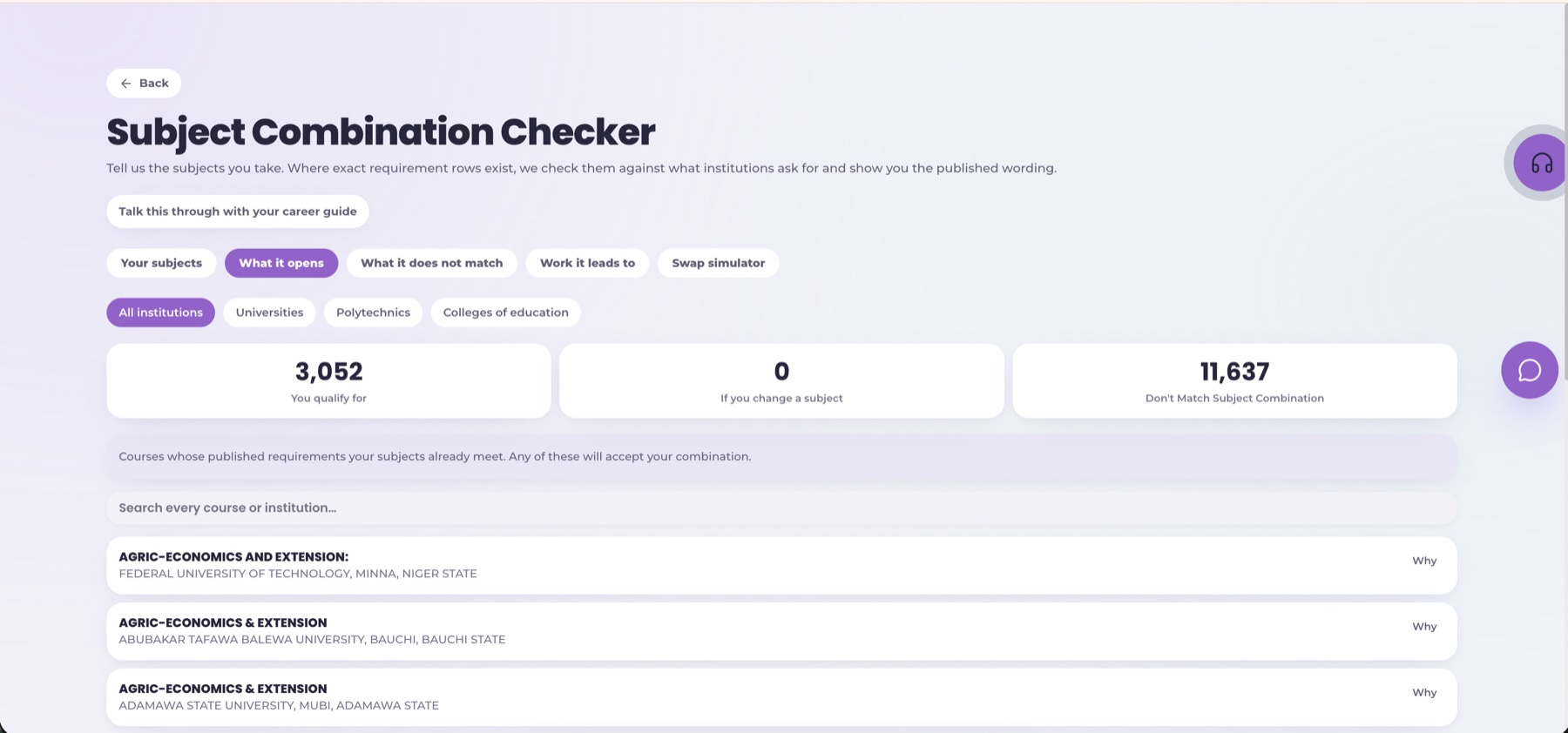
Compare subjects with published course requirements, see the reasons for a match, and identify what still needs checking.
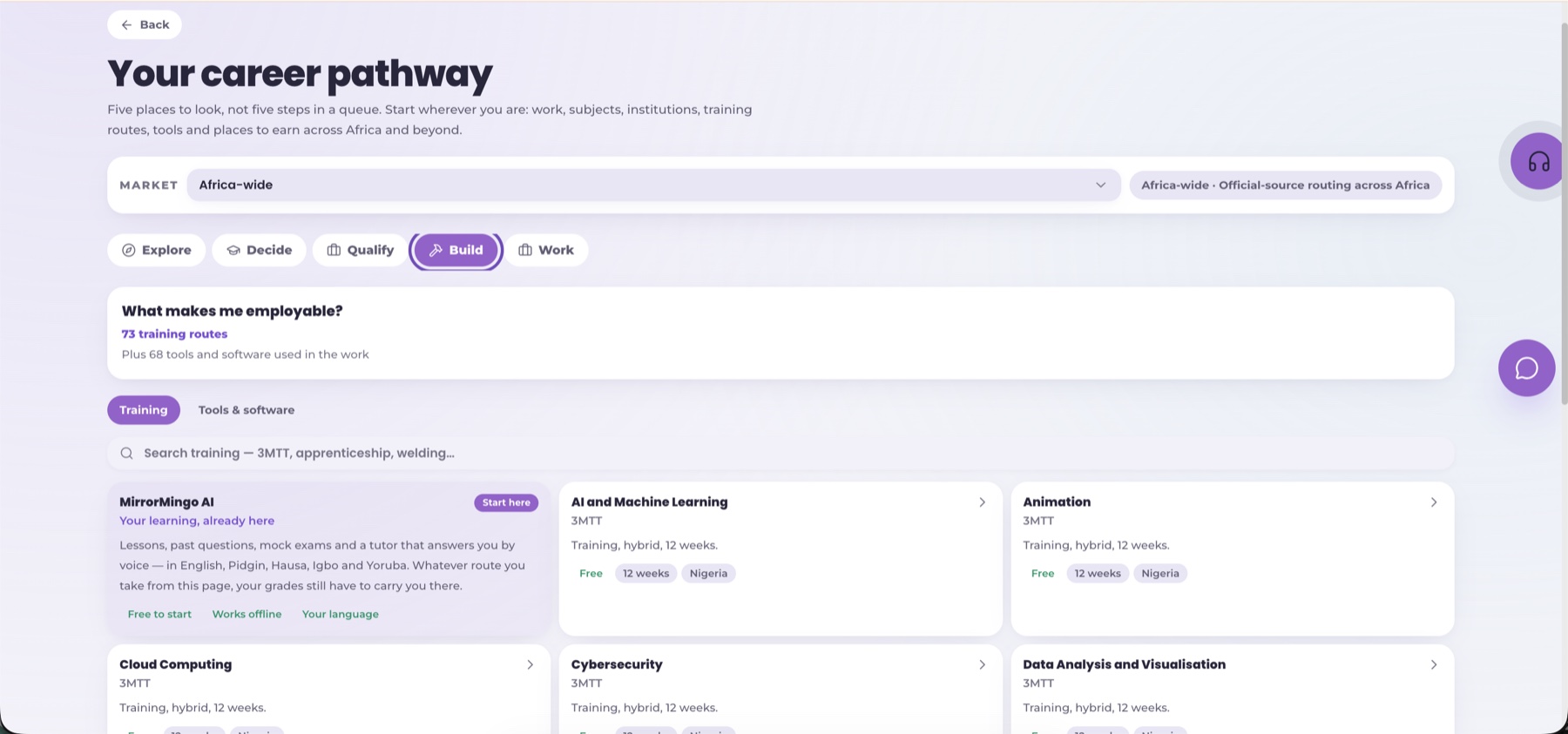
Training routes, tools, skill gaps, and next steps become part of the learner's plan.
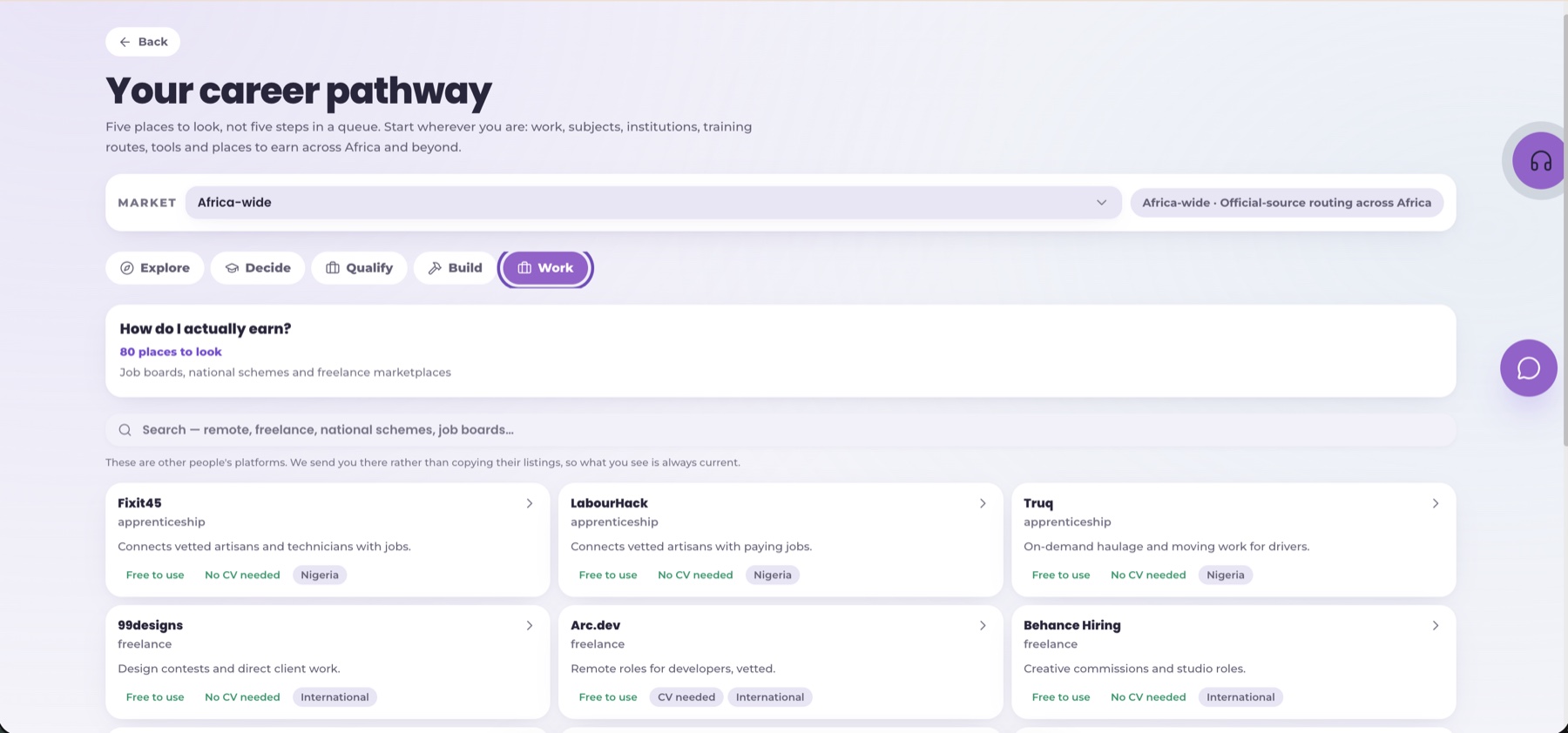
Students compare job boards, apprenticeships, freelance routes, business paths, and national schemes.
MirrorMingo makes the connection visible: class lessons, exams, parent support, school intelligence, career data, and market-facing tools all sit in one product.
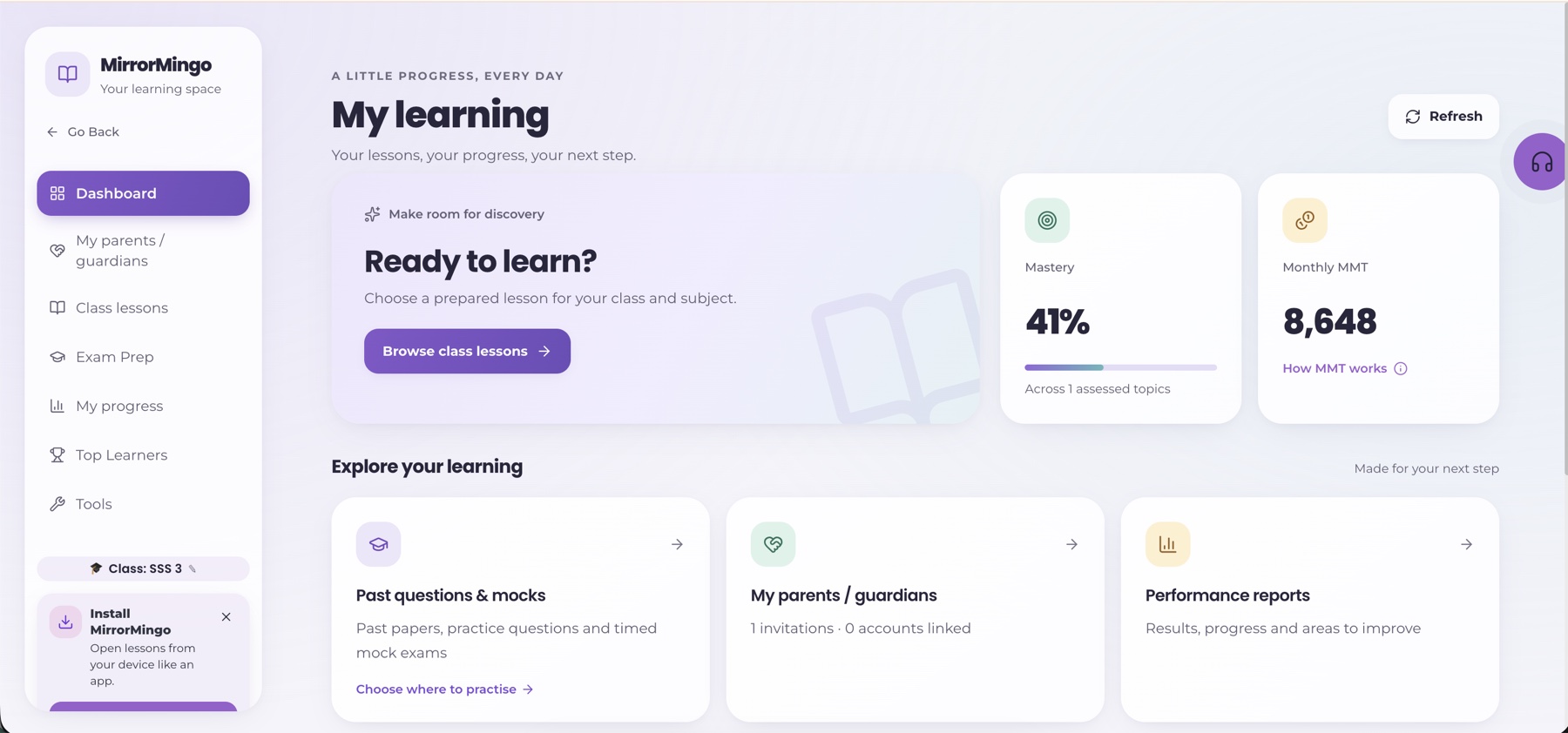
Lessons, exams, parents, progress, rewards, and reports are visible from one simple page.
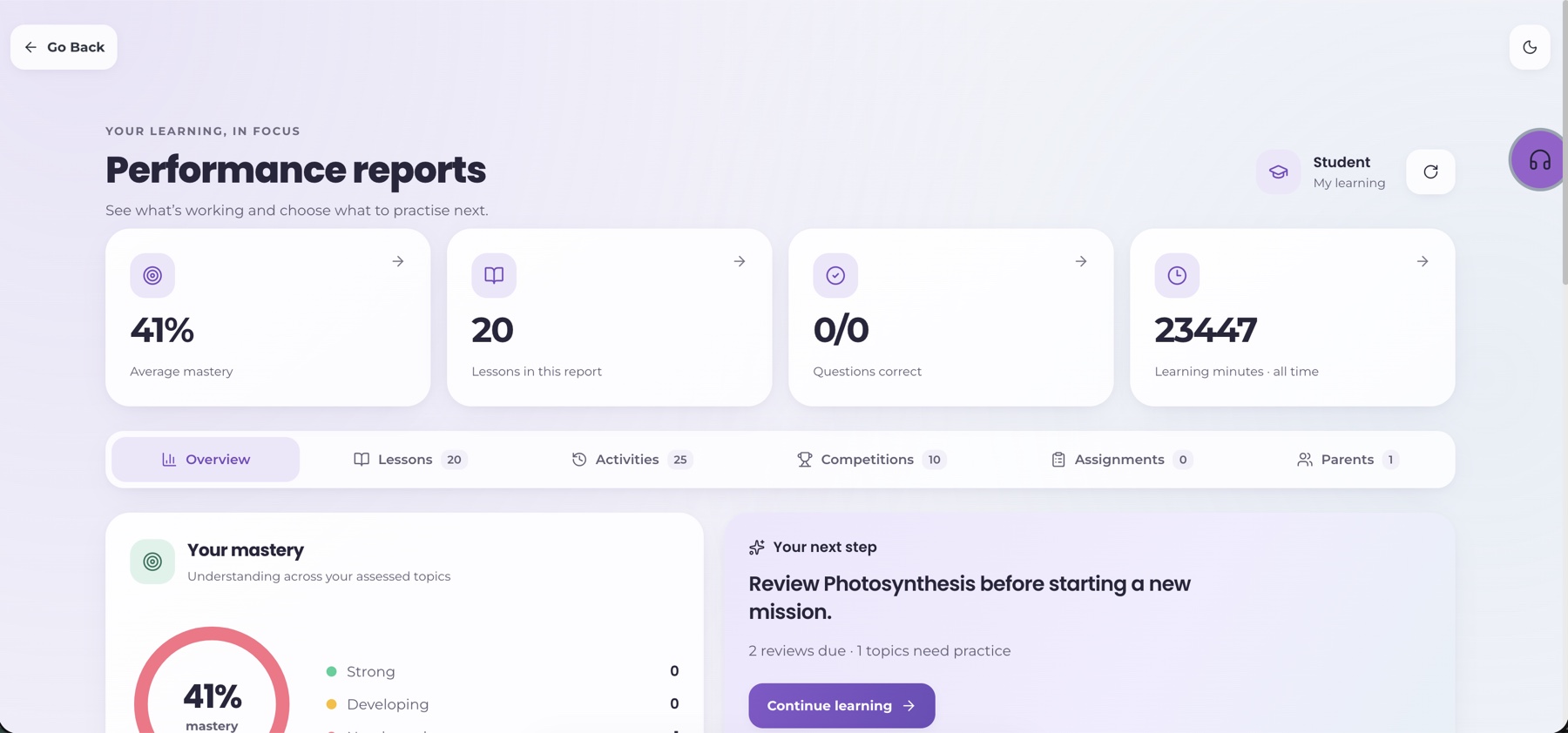
Mastery, lesson activity, assignments, competitions, and parent links become easy to read.
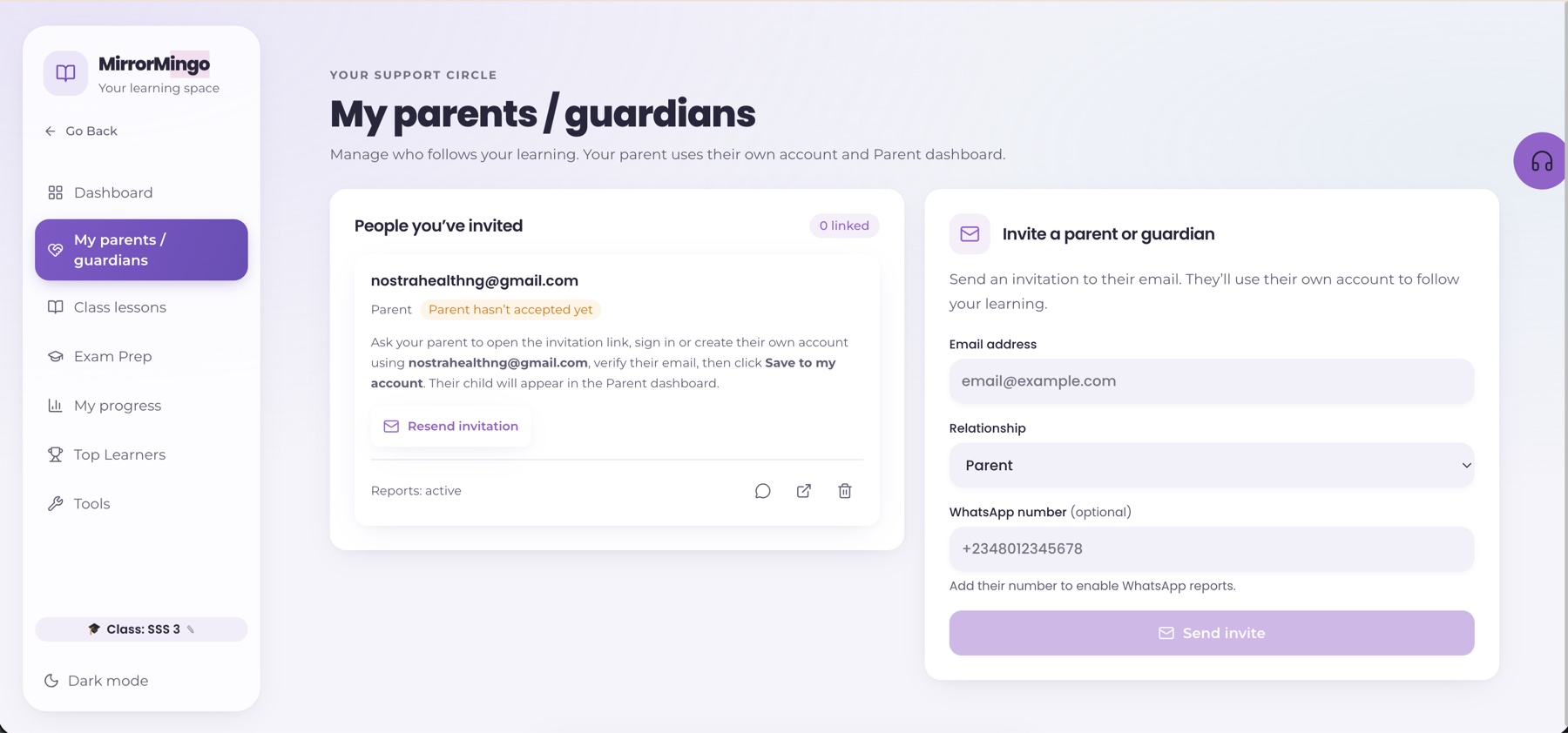
A learner invites a parent, then progress support moves beyond the classroom.
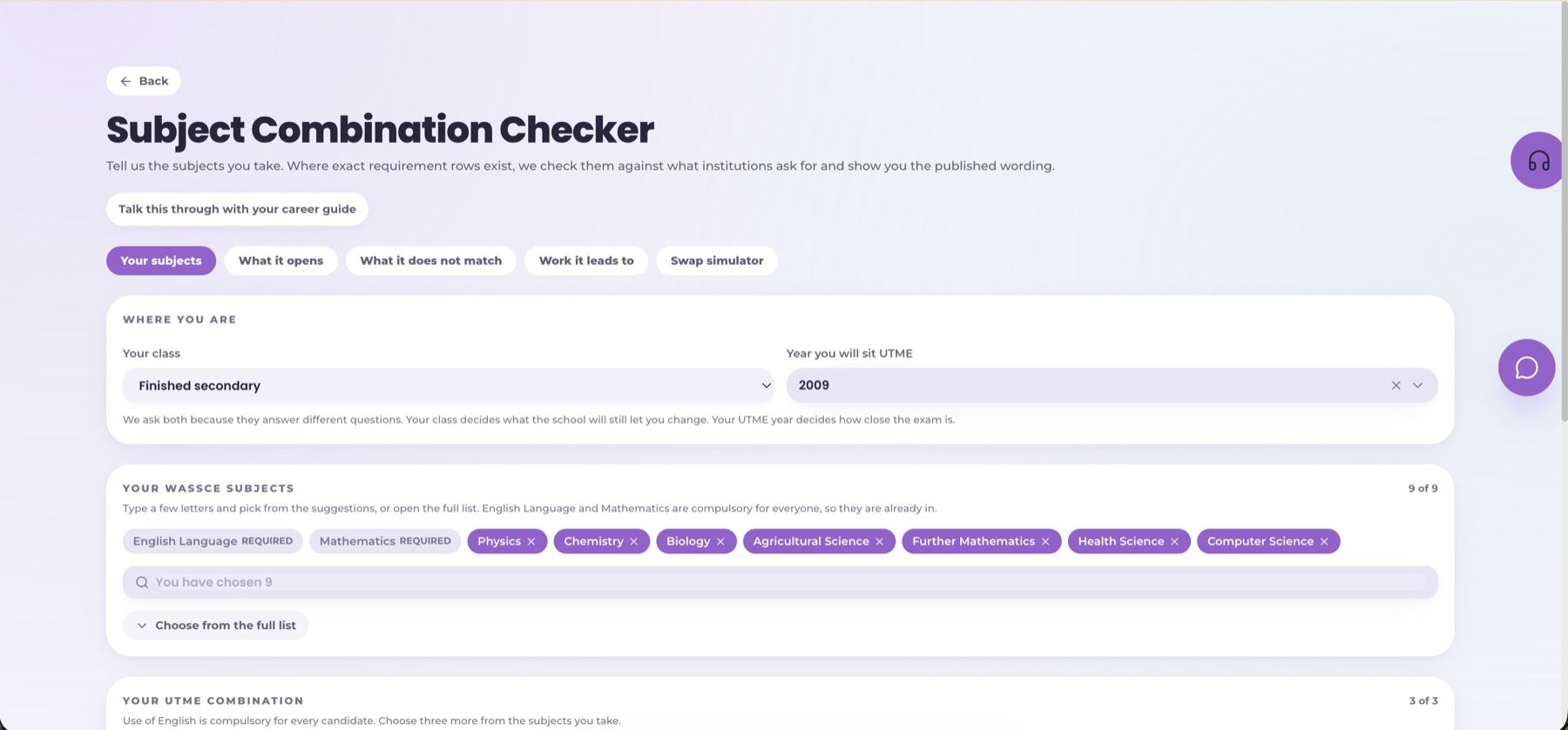
Students can see how WAEC, JAMB, and school subjects affect courses, skills, jobs, and business paths.
Learners compare routes, required skills, tools, training, and market signals while they are still studying.
Learners can compare jobs, apprenticeships, freelance routes, national schemes, and business opportunities.
For teachers · Your teaching, with a clearer view
Bring your learners into Teacher Studio and follow their saved learning activity, topic accuracy, assignment submissions and performance over time. Use that evidence to decide what to revisit and who needs more support.
Add learners to your roster and share an invitation so their learning is connected to your teacher workspace.
See recent activity, topic accuracy and weekly mastery trends. Open a learner’s record to understand the work behind the results.
Find commonly missed topics, assign recap practice, review submissions and give each learner useful feedback.
From class activity to useful insight
Activity tells you who participated. Marked answers help you understand performance.
Bring activity, performance and follow-up together, so planning your next recap starts with evidence.
Get feedback on submitted work and focused practice on the topics your teacher identifies.
Parents and learners see what is working, what needs practice, and what to do next.
MirrorMingo lets families follow the learning journey instead of waiting for report-card day.
The goal is not to bury families under data. MirrorMingo turns learning activity into simple next steps.
"Your child understands photosynthesis at 41%. Review this lesson and answer five more questions before starting the next topic."

Who is missing school often?
Which classes need support?
Who needs intervention now?
What can be reported safely?
MirrorMingo can connect attendance, scores, lesson activity, past-question readiness, teacher notes, and parent follow-up into one intelligence layer.
Spot learners whose attendance, scores, or practice patterns need attention.
Group students into support plans with targets, progress, and evidence.
Share clean school-level indicators for program review without exposing private learner records.
Use the app for visual lessons, reports and saved offline study. Connect WhatsApp or Telegram for question help and practice in a familiar chat. Saved app progress syncs when your connection returns.
Open MirrorMingo from the device like a normal learning app.
Saved lessons and attempts remain available when the network drops.
Progress updates when the learner comes back online.
WhatsApp & Telegram learning
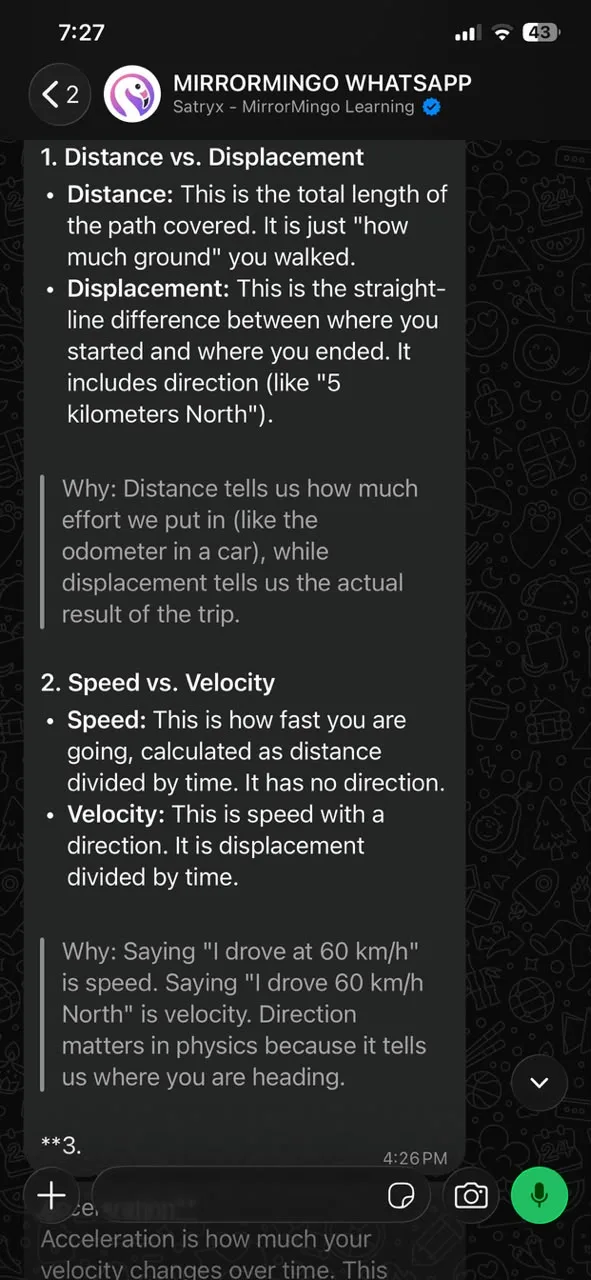
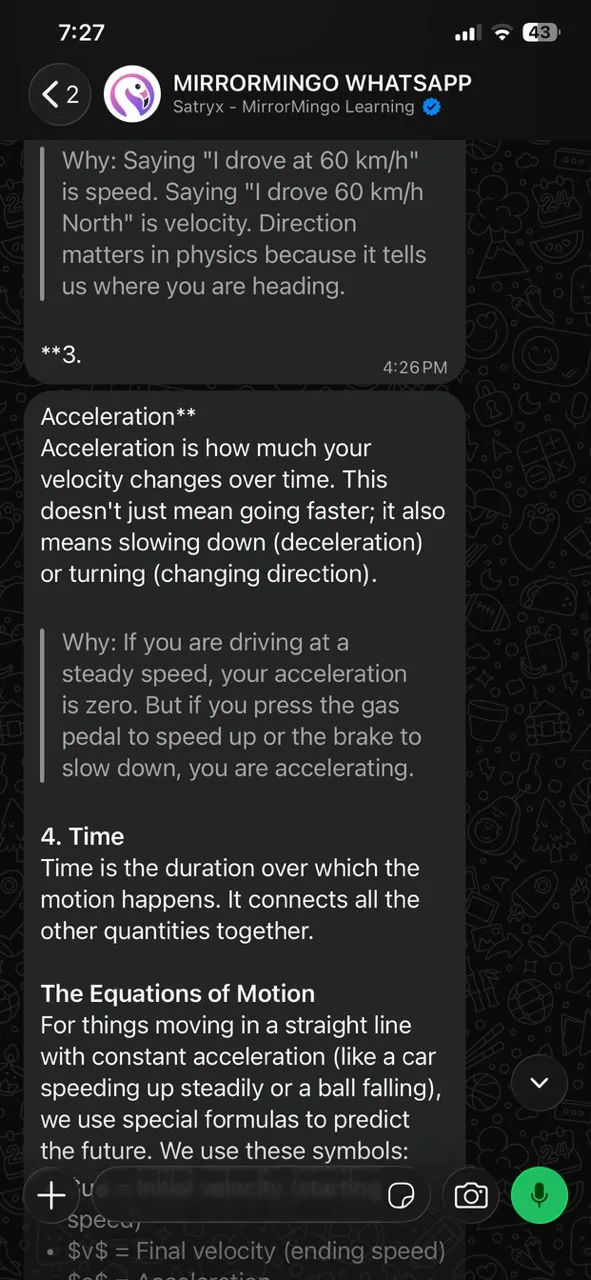
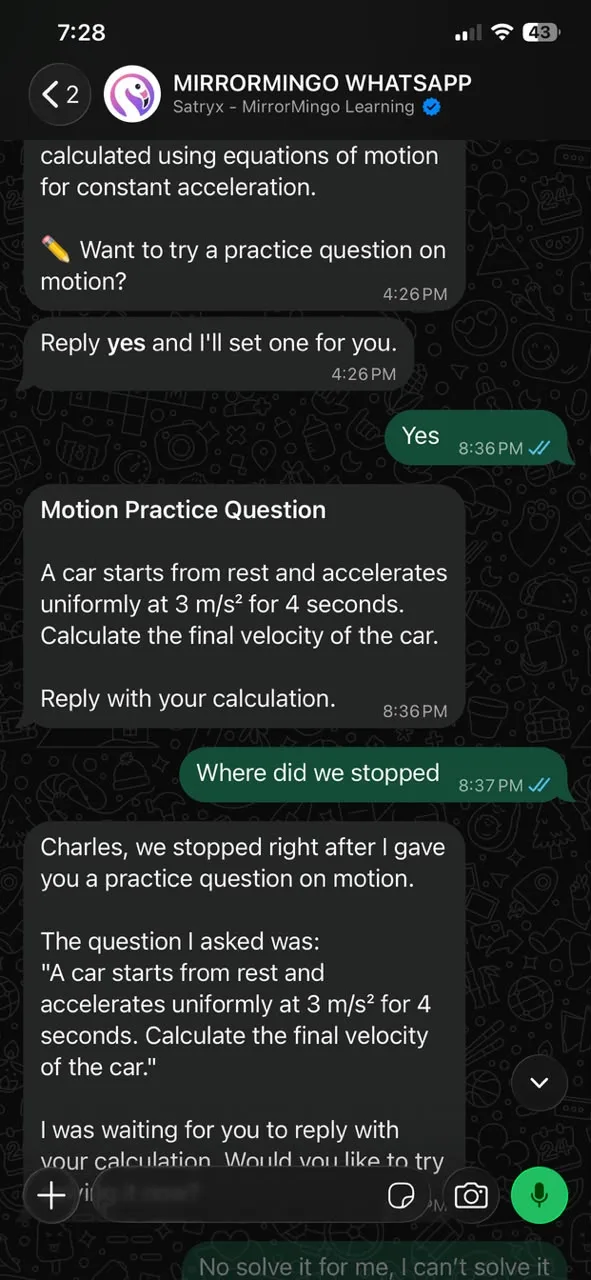
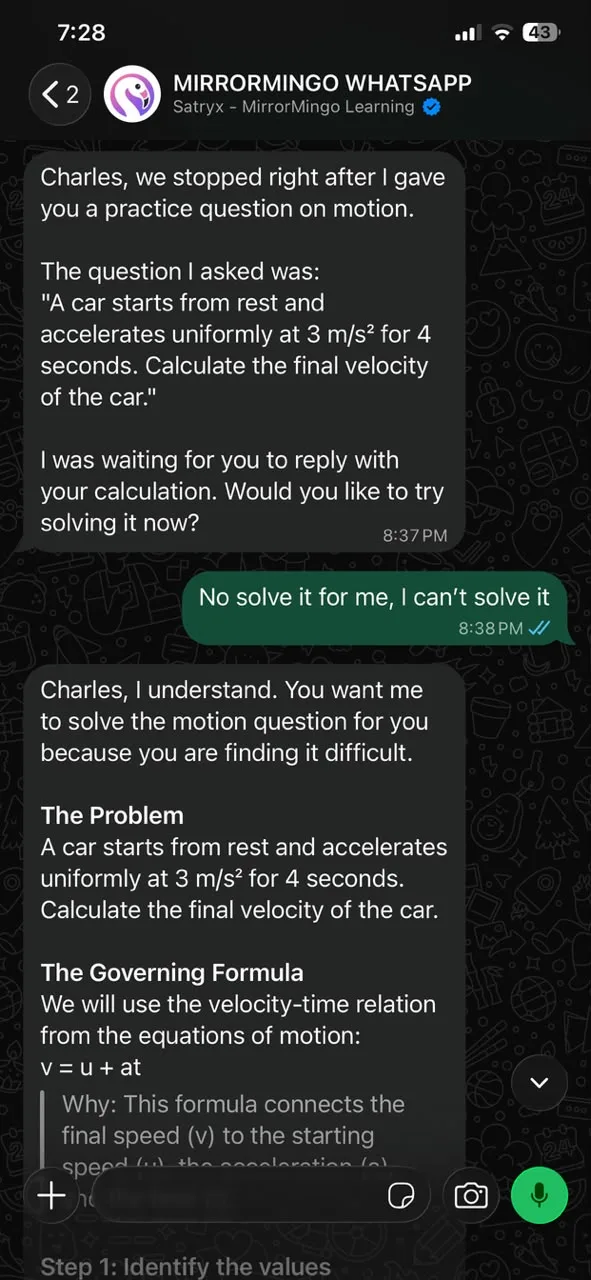
Type a question, send a clear photo or use a voice note. MirrorMingo’s learning bots help you work through it step by step, with exam practice available from the chat too.
Chat learning uses an internet connection and your linked account’s learning access. Use the app for the full visual lesson workspace and saved offline lessons.
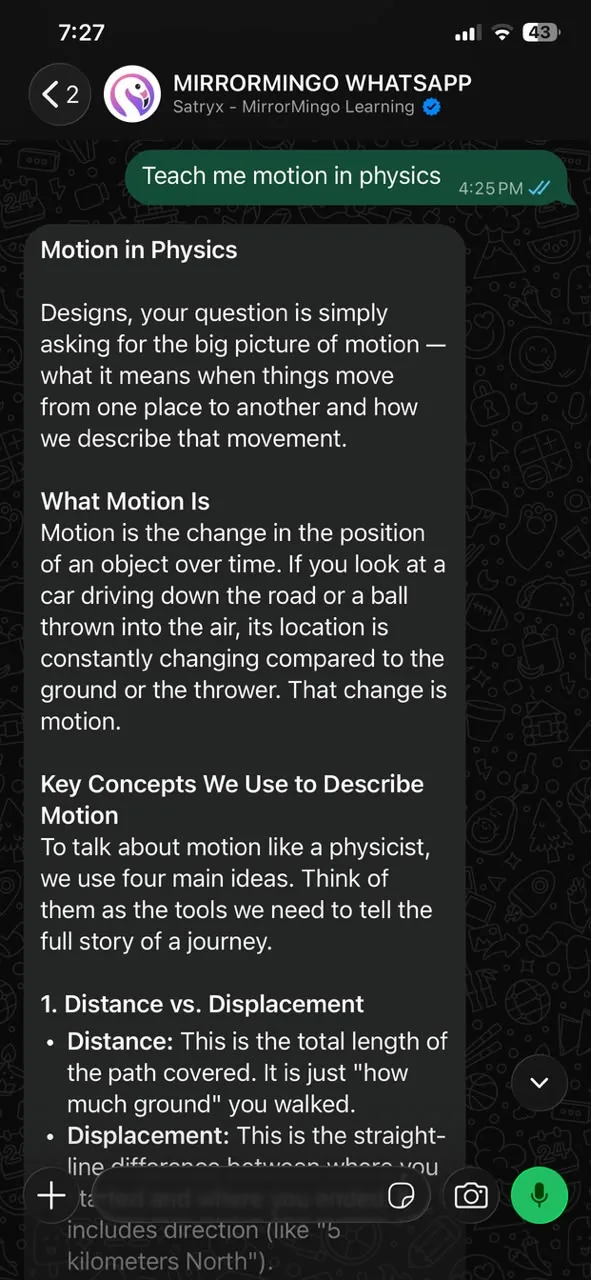
Use MirrorMingo Learning and School Intelligence together on your Mac.
Use MirrorMingo Learning and School Intelligence together on your Windows PC.
MirrorMingo AI is new to Windows, so the first time you open the installer you may see a blue “Windows protected your PC” screen. It's a routine check for new apps.
Only download MirrorMingo AI from this page. If the publisher shows anything else, don't run it.
Choose an area to see how MirrorMingo can help, with examples and what you need to use it.
Follow lessons organised around your class, subjects and curriculum, from primary and secondary school to undergraduate study. Learn through explanations, worked examples, visuals and quizzes.
A learner studying fractions can follow an explanation, work through examples and practise before moving on.
Available curricula, subjects and lesson access depend on the chosen level and plan. Download lessons while online for offline study.
Learn with Oma, the AI tutor, through spoken explanations. Voice interaction lets you ask questions and use supported lesson playback commands.
Ask the tutor to explain a difficult idea again while working through a lesson.
Interactive voice needs microphone permission and internet; downloaded narration availability depends on the lesson.
Learn in English, Yoruba, Igbo, Hausa or Nigerian Pidgin where supported. Familiar language can make new ideas easier to understand.
Use a familiar language to work through an unfamiliar science concept.
Translation and fresh audio generation need internet. Do not promise every topic has every language or audio version ready.
Use notes, PDFs, images, documents or supported links for questions, explanations and help understanding your study materials.
Upload class notes and ask for help understanding the difficult sections.
Uploading, reading new materials and generating answers require internet. Supported formats and file limits apply.
Prepare with past questions, worked explanations and timed mock exams. Review your performance to see which topics need more practice.
Try a timed mock, then revisit the questions you missed and the methods behind them.
Do not claim every exam year or subject is available. New generation and downloads need internet.
Explore ideas through interactive simulations, including circuits, fractions and waves. Change something and observe how the result changes.
Change the voltage in a circuit simulation and observe what happens.
Public demos are available without signing in. Lesson-specific activities appear when ready; availability varies by lesson.
Make practice social through Arena competitions. Answer questions alongside other learners and use the experience to build confidence and fluency.
Join a subject competition and practise recalling what you have learned.
Live competitions require internet; available modes and entry conditions apply.
Earn MMT through eligible learning activity and see effort recognised through Top Learners and rewards. This gives regular study a visible record of achievement.
Complete eligible learning activities regularly and follow your progress across the month.
MMT is a learning reward, not a promise of cash or investment returns. Check current earning and reward rules before quoting amounts.
Connect school subjects and interests to courses, careers, skills and entrepreneurship. Compare work, training and business routes in Nigeria and Africa.
Explore how your subjects relate to a career, then identify skills or training you still need.
Requirements and opportunities change. Verify current admission or employer requirements; guidance does not guarantee admission, jobs or business outcomes.
Get help understanding assignments, organising ideas and improving written work. Bring supporting material to make the guidance more relevant.
Ask for feedback on the structure of an essay draft before revising it yourself.
Generated assistance needs internet and should be checked against your assignment instructions.
Follow saved learning activity and mastery, then revisit difficult topics through review cards and spaced revision. Reports help identify what to work on next.
Use your report to choose a weak topic for the next study session.
Progress describes recorded activity. Do not infer personal scores or achievements without an authenticated account lookup.
Link a parent or guardian so they can follow a learner’s progress and give more focused support. Shared learning information helps families know where help is needed.
A linked parent can use progress information to discuss a difficult subject with the learner.
Access requires an accepted link to that learner. Public support cannot reveal another learner’s private records.
Teachers can organise learners, prepare lesson notes, set assignments and review submissions and performance. Evidence helps guide recaps and individual follow-up.
Review learner performance before planning a recap, then set focused practice.
Teacher tools require the relevant workspace and learner permissions; do not expose unlinked learners.
Schools can bring learning activity, attendance, results and follow-up into their own workspace. Intelligence supports early warnings, intervention planning and reporting.
An authorised school administrator can investigate a concern using that school’s available records.
School data requires an explicitly selected school and an accepted role. Public product descriptions never grant access to private school information.
Install MirrorMingo and download supported lessons for study when the network drops. Saved activity can sync when a connection returns.
Download a lesson while connected, study its saved content later and sync your activity when online.
Offline does not mean every feature works without internet. Availability depends on downloaded content and device support.
Use supported WhatsApp and Telegram learning channels after linking your account. Ask questions through a familiar messaging app.
Link your account and ask a study question through the supported messaging channel.
Requires a supported linked account, an active messaging integration and internet. Features can differ from the full learning app.
 Satryx AIThe company behind MirrorMingo
MirrorMingo is an education product of Satryx AI, a company building AI tools for learning, African-language voice and everyday work.
Within that wider product family, MirrorMingo brings the focus to learners, teachers and schools—from understanding a subject to exploring what comes next.
Meet Satryx AIOne company. Connected areas of expertise.
Lessons, exam practice and tools that help families and schools support progress.
Voice tools for English, Yorùbá, Igbo, Hausa and Nigerian Pidgin.
Connects records and tools to help teams carry out work, with human review where needed.
Learn a subject. Understand where it can lead. Explore the skills, training, and opportunities that help turn an interest into a career or enterprise—with family and school support along the way.