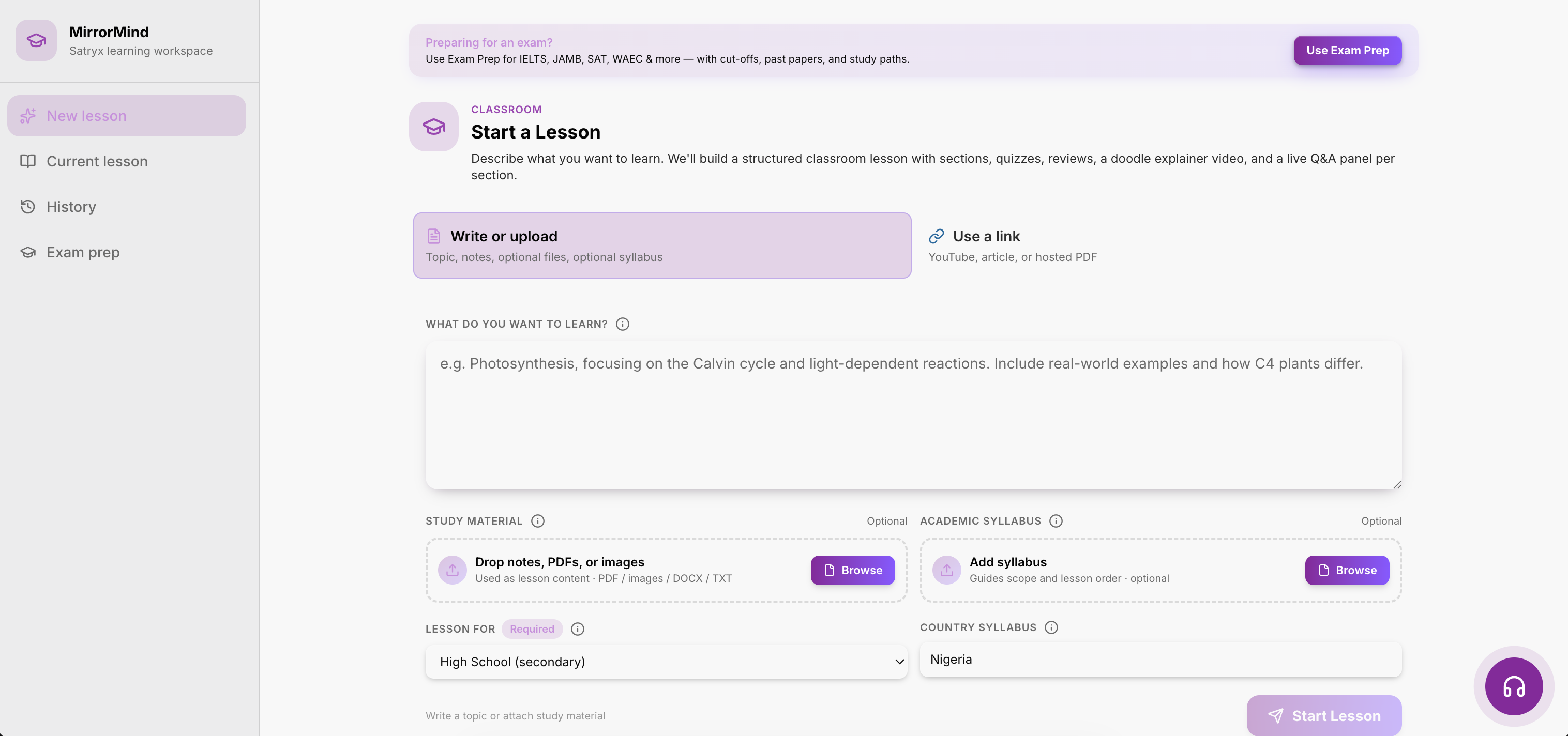
Step 1
Lesson builder
Topic, notes, links, files, and class level in one flow.
A curriculum-aware lesson platform for students, families, and schools. Generate guided lessons, save them to the device, complete quizzes offline, and sync progress when the internet comes back.
MirrorMingo should feel like a real learning workspace. The learner opens a topic, studies with context, answers questions, and returns later without losing progress.
Start with class, subject, topic, note, file, or exam target. MirrorMingo turns it into structured lesson content.
The learner gets screenshots, examples, tutor prompts, and checks that make the topic easier to follow.
Short quizzes, corrections, and retry prompts sit inside the same lesson so study does not become passive reading.
Topic, notes, links, files, and class level in one flow.
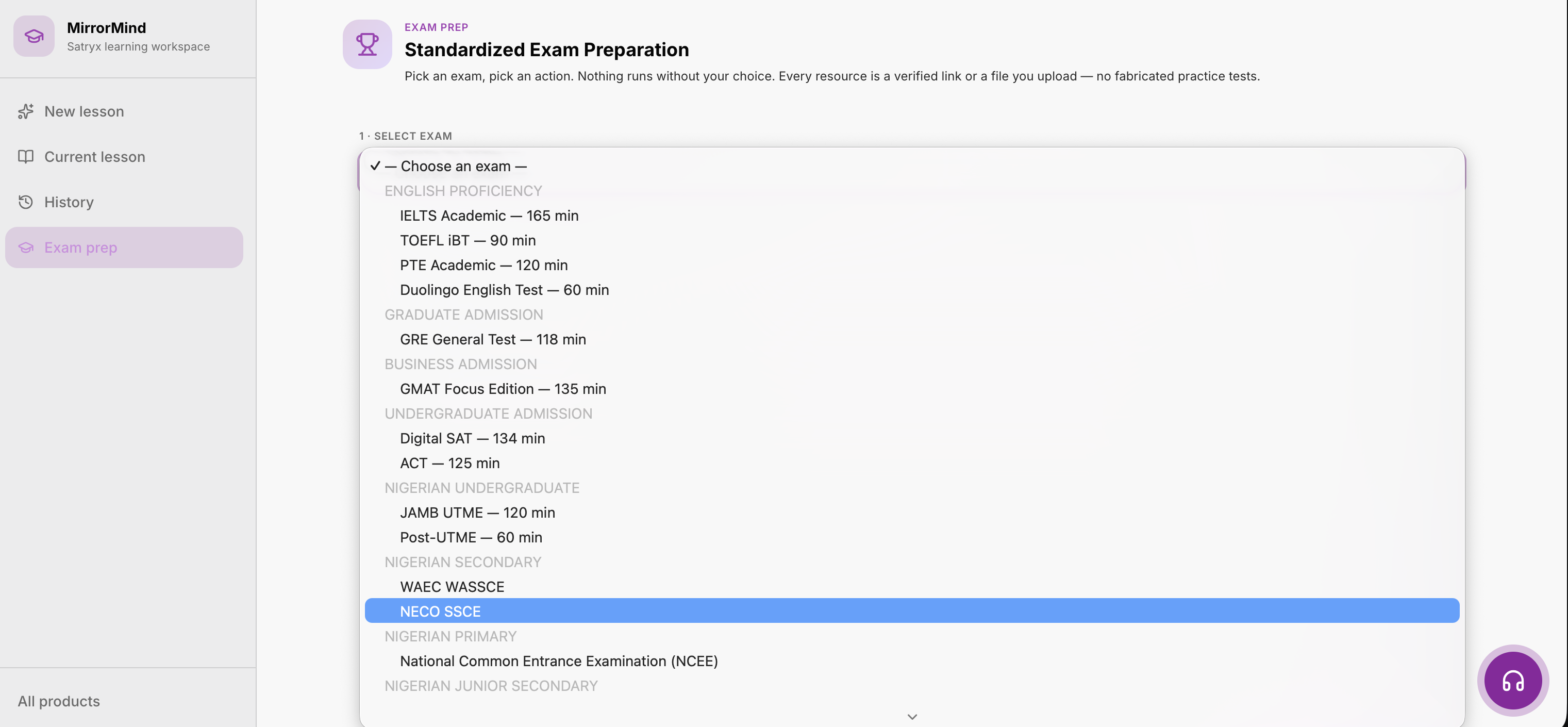
Choose revision goals and practice for the right learner.
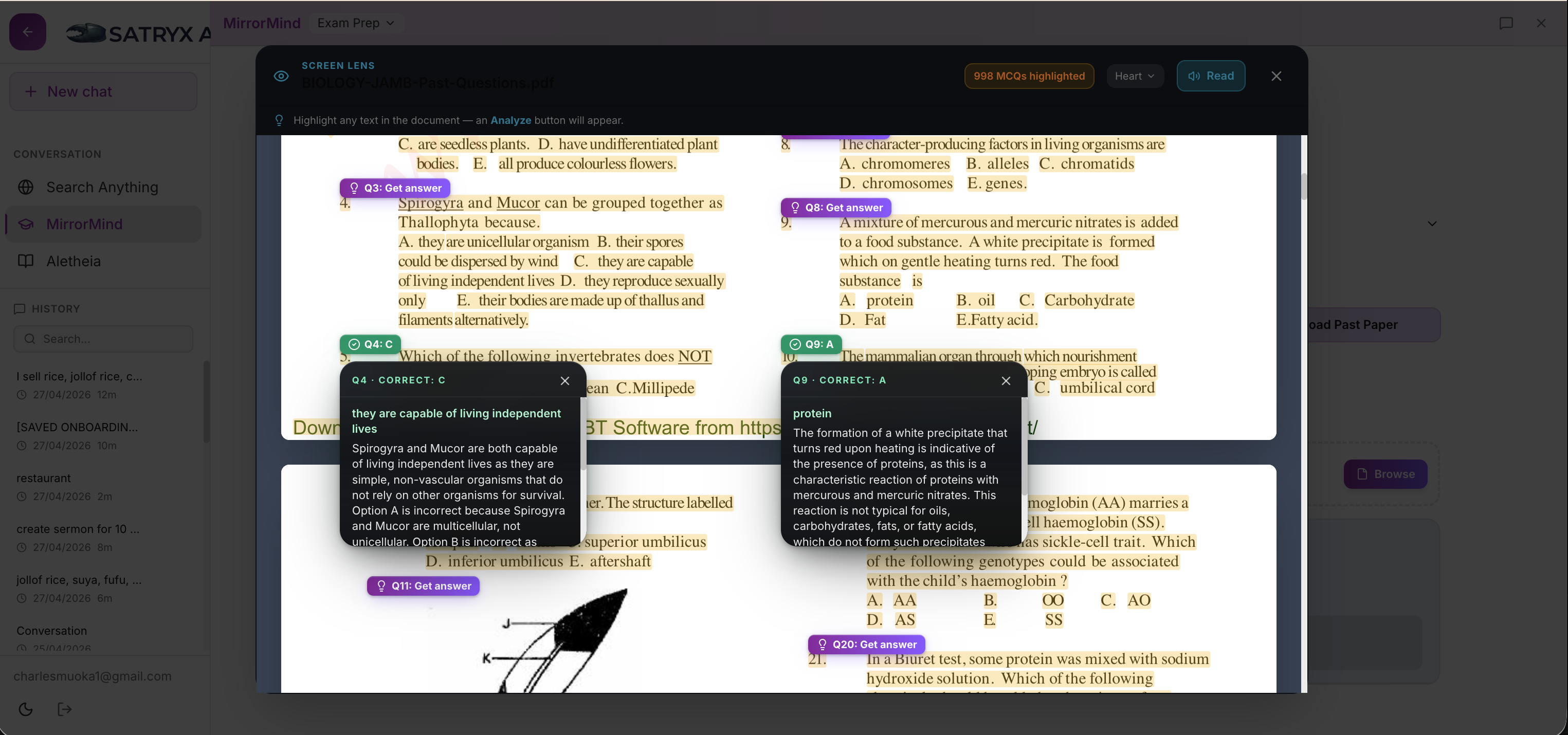
Every question can become a clearer explanation.

Lessons, quizzes, notes, and attempts stay available on the device.
Learners keep reading and answering without internet.
When internet returns, saved progress updates across the account.
The device keeps learning data available for speed and offline study. When the learner reconnects, progress syncs to the cloud for schools, accounts, and other devices.
The desktop app keeps the same learning workflow as the web app, stores lessons locally for offline study, and syncs progress to your account when internet access returns. Subscription access is checked through your online account.
Downloads open directly on your device.
MirrorMingo supports class subjects, exam preparation, uploaded notes, and generated lesson packs. Each topic can produce explanation, examples, quiz checks, and revision.
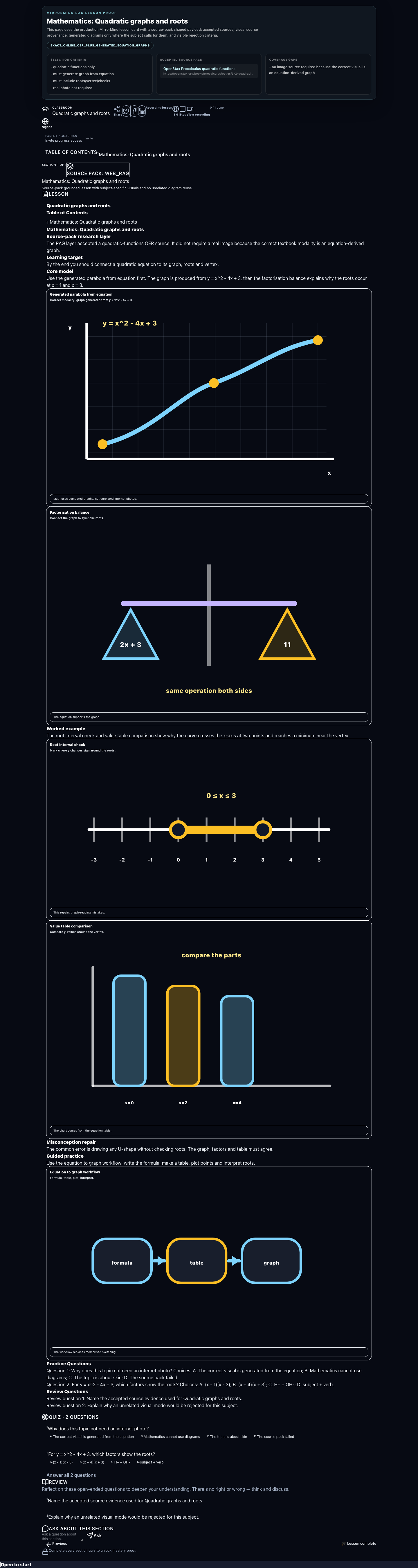
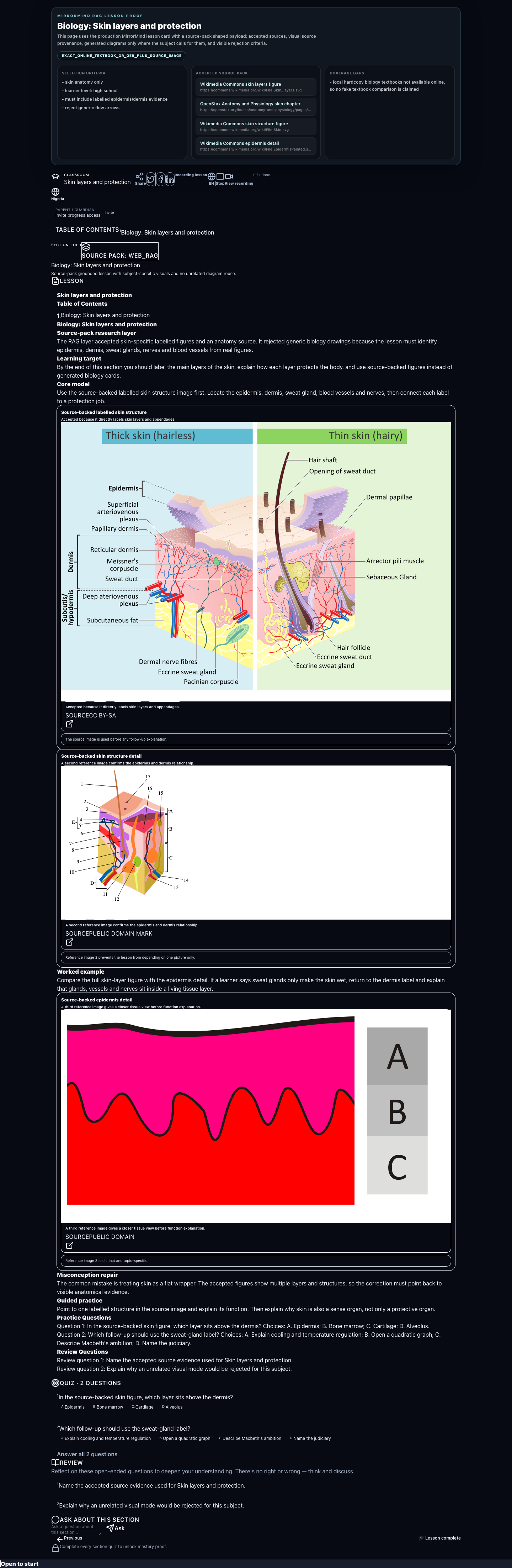
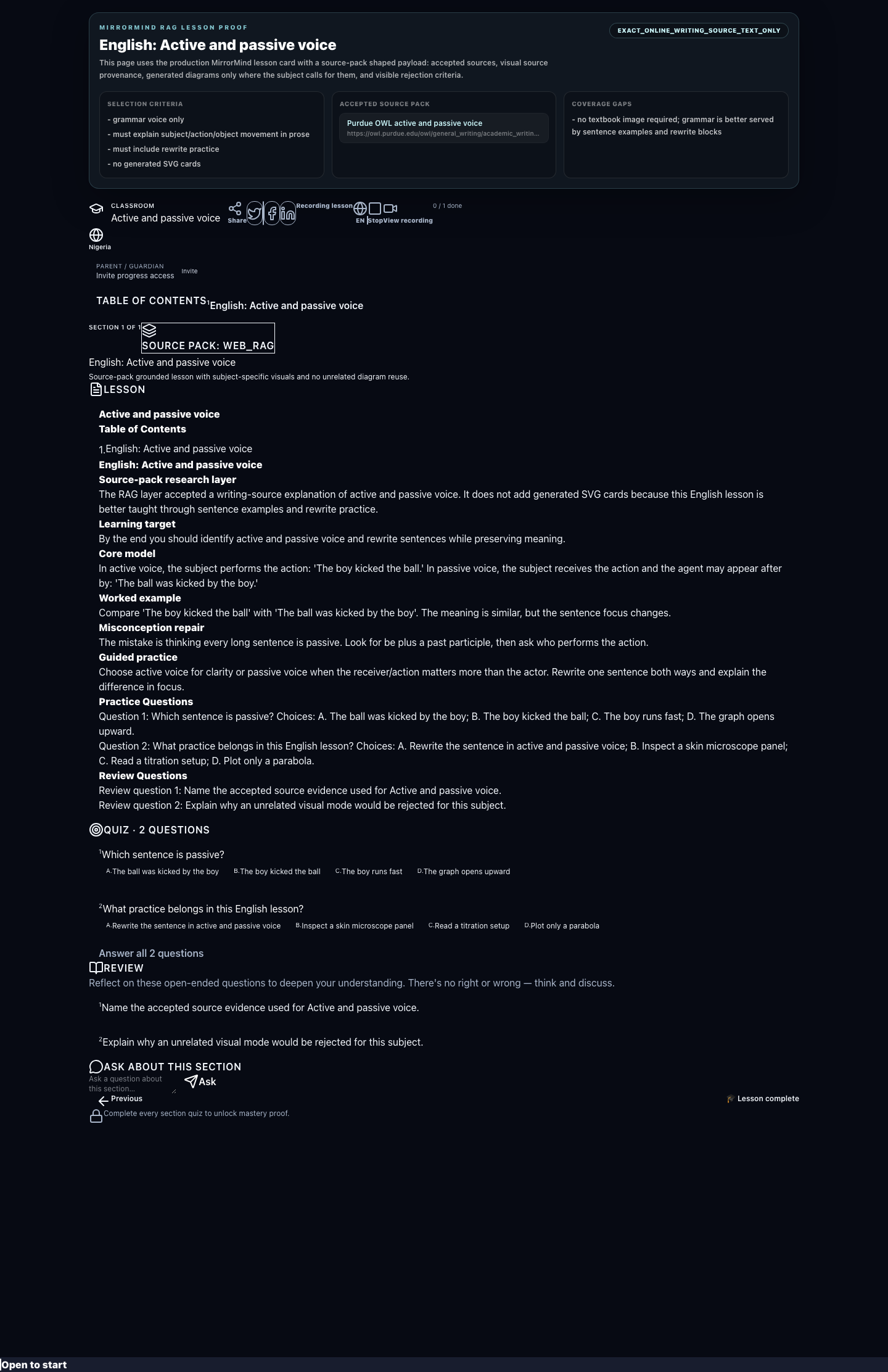
Learners can study independently while schools and guardians track progress.
Weak answers create review prompts instead of forcing the same lesson again.
Attempts, answers, scores, and completion state can be stored locally and synced.
Uploaded materials become guided lessons with checks and explanations.
Exam paths help learners focus on the next useful topic and practice format.
The tutor explains, asks back, checks understanding, and helps the learner continue.
MirrorMingo combines generated lessons, local data access, cloud syncing, quizzes, progress, and school-ready workflows into one product.